
iOS
For iPhone and iPad
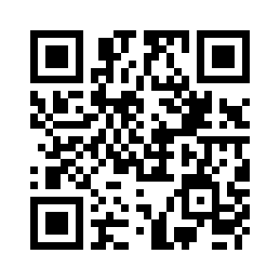
Scan or click to open the store
Open App Store
NED MOBILE EXPERIENCE
Connect to your NED.Micro from your smartphone or tablet. Access your devices and collaborate wherever you are.
NED APP
Choose your platform. Scan the QR code with your phone or click it to open the store.
For iPhone and iPad
Scan or click to open the store
Open App StoreFor Android smartphones and tablets
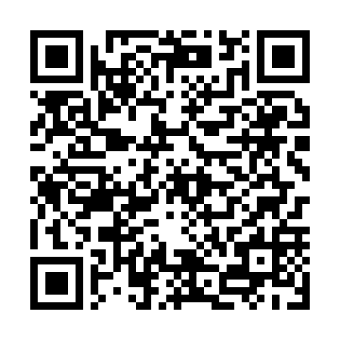
Scan or click to open the store
Open Google PlayDOCUMENTATION
Discover how to pair your NED, connect and use the mobile app.
English · Pairing, access and use
GETTING STARTED
Open the store for your device and install NED.Micro Mobile.
Scan the pairing QR code provided by your NED Web System and sign in.
Select your NED and enter as Master or Viewer, according to your permissions.
To use the app, you need access to a compatible NED.Micro and an authorized user account.